Wallpaper Engine
About
Use stunning live wallpapers on your desktop. Animate your own images to create new wallpapers or import videos/websites and share them on the Steam Workshop!
Media Gallery(14)
Detailed
Wallpaper Engine enables you to use live wallpapers on your Windows desktop. Various types of animated wallpapers are supported, including 3D and 2D animations, websites, videos and even certain applications. Choose an existing wallpaper or create your own and share it on the Steam Workshop! In addition to that, you can use the free Wallpaper Engine companion app for Android to transfer your favorite wallpapers to your Android mobile device and take your live wallpapers on the go.NEW: Use the free Android companion app to transfer your favorite wallpapers to your Android mobile device.Bring your desktop wallpapers alive with realtime graphics, videos, applications or websites.Use animated screensavers while you are away from your computer.Personalize animated wallpapers with your favorite colors.Use interactive wallpapers that can be controlled with your mouse.Many aspect ratios and native resolutions supported including 16:9, 21:9, 16:10, 4:3.Multi monitor environments are supported.Wallpapers will pause while playing games to save performance.Create your own animated wallpapers in the Wallpaper Engine Editor.Animate new live wallpapers from basic images or import HTML or video files for the wallpaper.Use the Steam Workshop to share and download wallpapers for free.Wallpaper Engine can be used at the same time as any other Steam game or application.Supported video formats: mp4, WebM, avi, m4v, mov, wmv (for local files, Workshop only allows mp4).Use the free Android companion app to take your favorite scene and video wallpapers on the go.Support for Razer Chroma and Corsair iCUE.Wallpaper Engine aims to deliver an entertaining experience while using as few system resources as possible. You can choose to automatically pause or completely stop the wallpaper while using another application or playing fullscreen (including borderless windowed mode) to not distract or hinder you while playing a game or working. Many options to tweak quality and performance allow you to make Wallpaper Engine fit your computer perfectly. As a general rule of thumb, 3D, 2D and video based wallpapers will perform best, while websites and applications will require more resources from your system. Having a dedicated GPU is highly recommended, but not required.Choose from over a million free wallpapers from the Steam Workshop with new wallpapers being uploaded every day! Can't find a wallpaper that fits your mood? Let your imagination go wild by using the Wallpaper Engine Editor to create your own animated wallpapers from images, videos, websites or applications. A large selection of presets and effects allow you to animate your own images and share them on the Steam Workshop or to just use them for yourself.
Patch Notes & Announcements(98)
 MAJOR
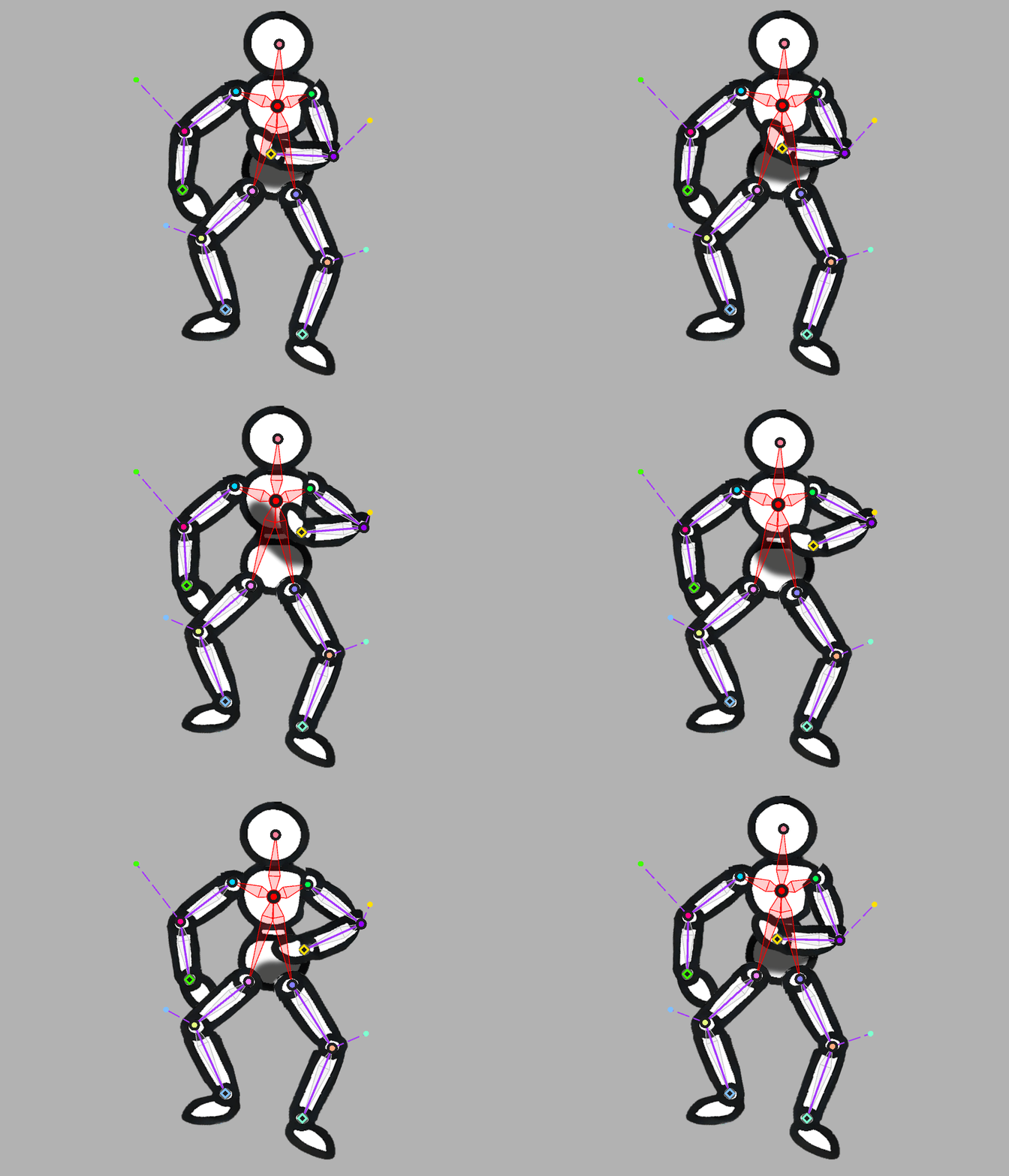
MAJORWallpaper Engine 2.7 - Particle Editor Updates, User Shortcuts & Image Filters
With the release of Wallpaper Engine 2.7, we are introducing a large number of improvements and new features for particle systems and to the particle editor itself. Additionally, the update also intro
 MAJOR
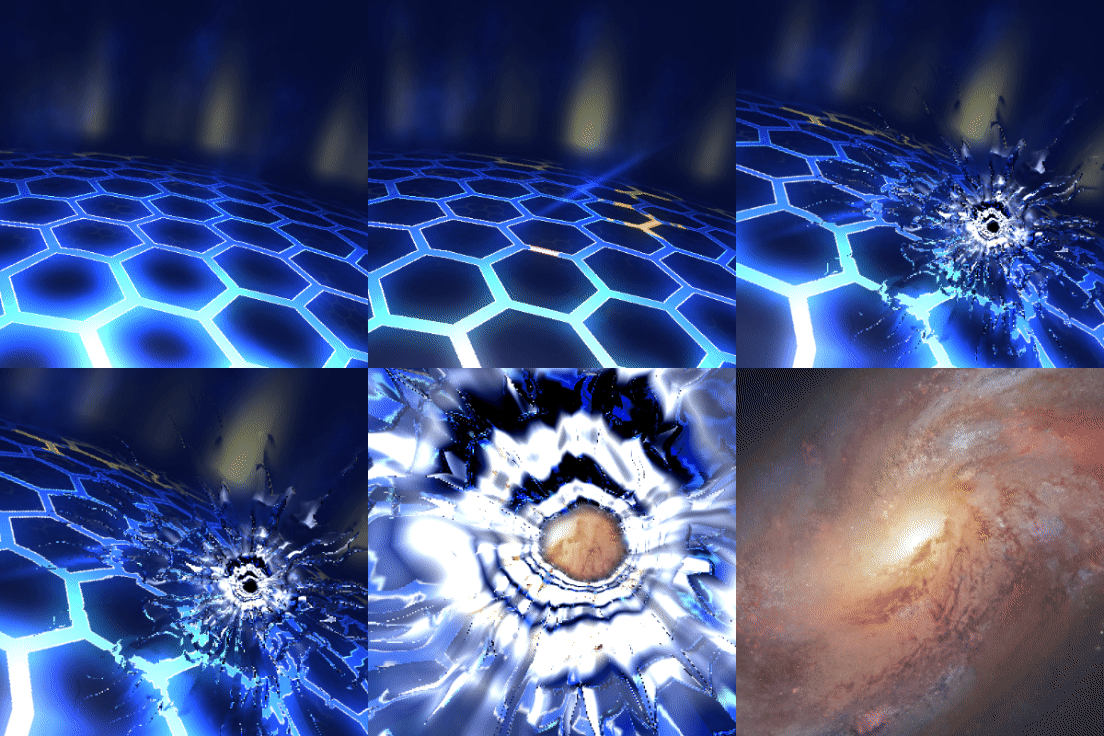
MAJORWallpaper Engine 2.6 - New Effects, Clipping Masks, Rope Physics & Bug Fixes
Hey everyone, Wallpaper Engine 2.6 comes with several new features for the wallpaper editor, the update also fixes some bugs and improves compatibility with Windows 11 24H2. Clipping Masks for Puppet
 MAJOR
MAJORWallpaper Engine 2.5 - Playlist Transitions & Editor Update / Retiring Windows 7
Wallpaper Engine 2.5 adds new features for end-users and content creators alike. The update also includes a lot of bug fixes and overall maintenance work. In anticipation of upcoming changes to the de
 MAJOR
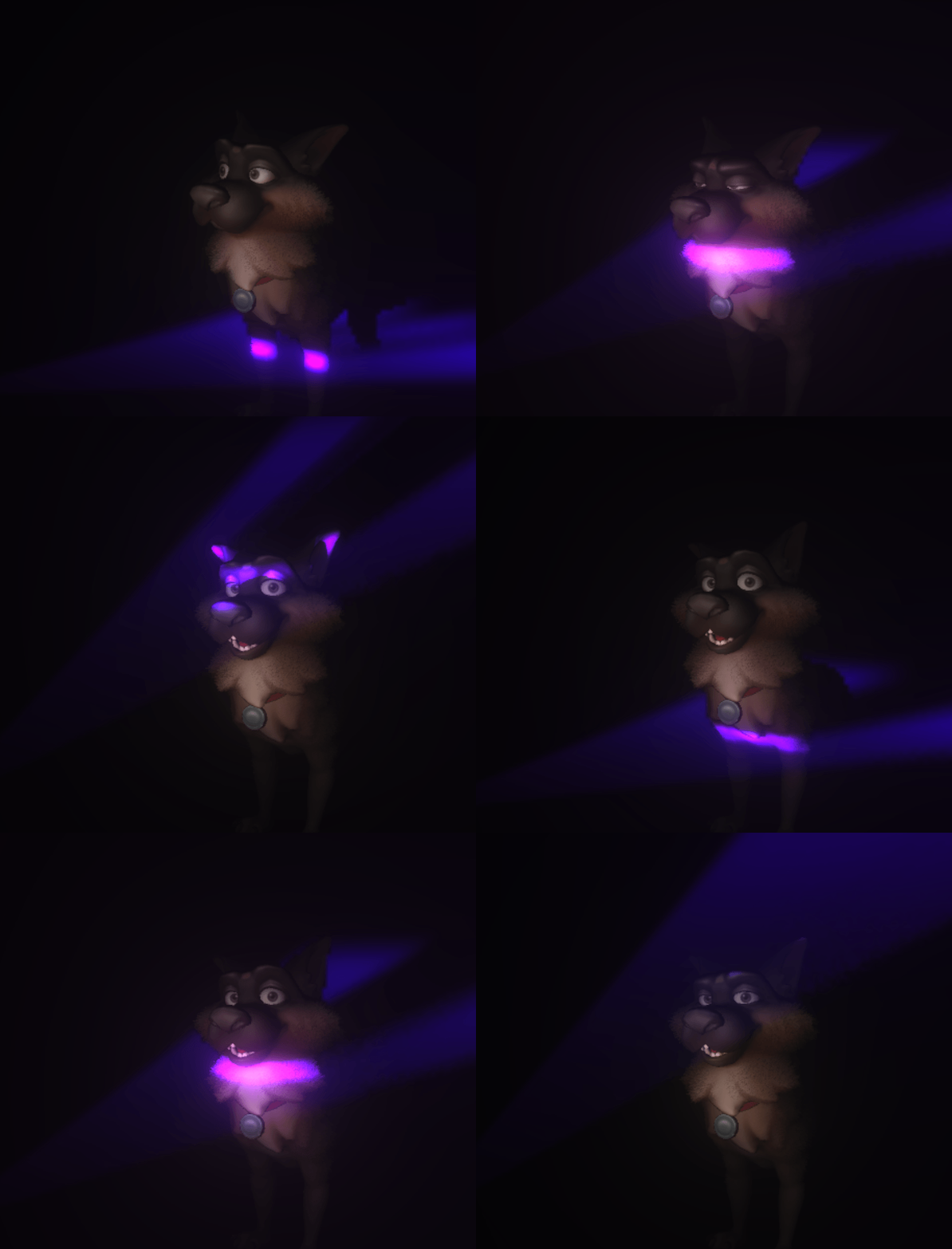
MAJORWallpaper Engine 2.4 - Lighting & Shader Improvements, Local Storage & More
Hey everyone, Wallpaper Engine 2.4 largely builds on top of the new 3D features we have added with the previous update but also improves on the existing 2D wallpaper feature set. New 3D FeaturesReal-t
 MAJOR
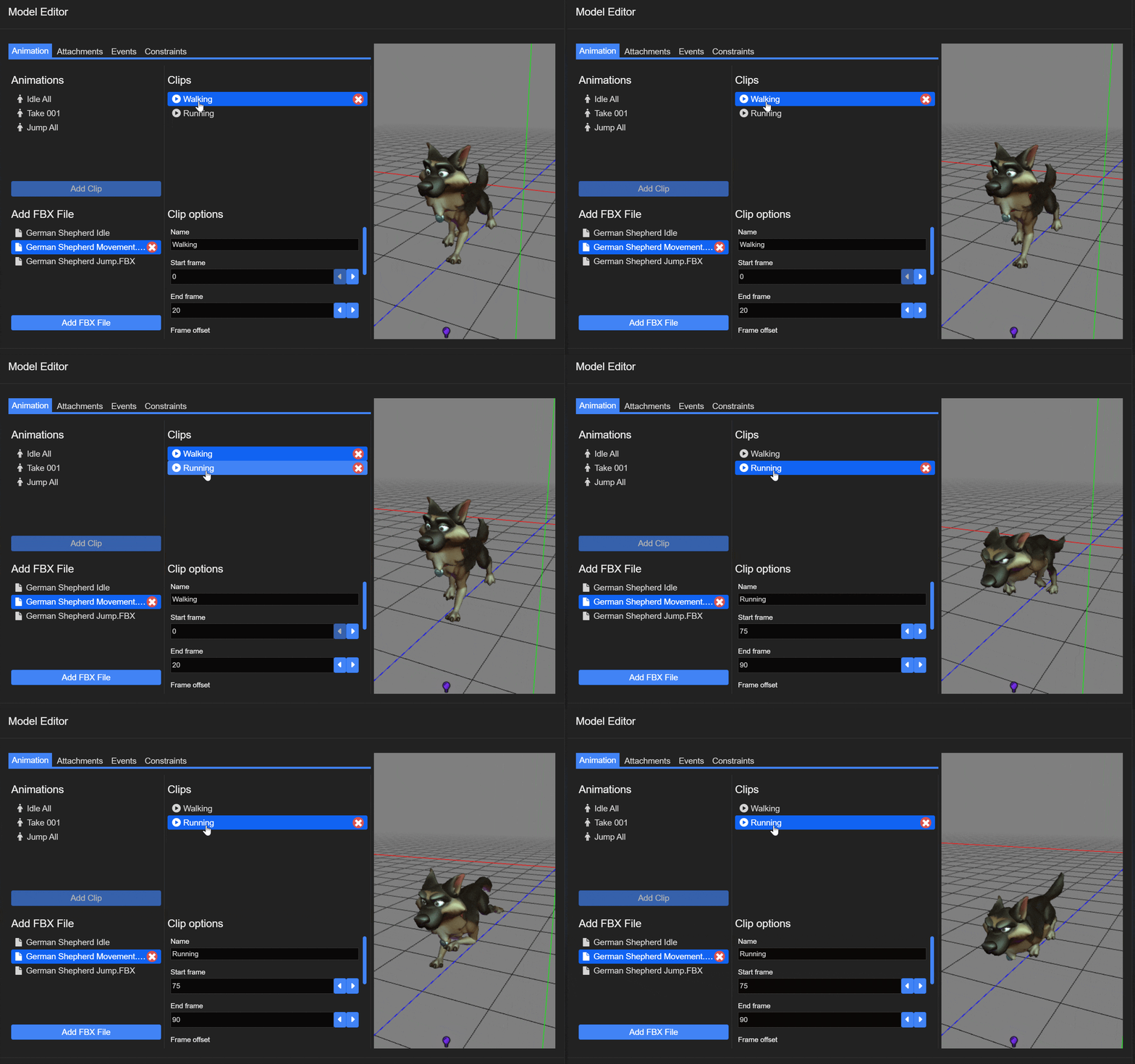
MAJORWallpaper Engine 2.3 - New 3D Model Support, Improved Lighting, Asset Hierarchy
Hey everyone, Wallpaper Engine 2.3 completely overhauls support for 3D wallpapers, improves real-time lighting with additional light types and adds a new hierarchy and attachment system. New 3D Model
 MAJOR
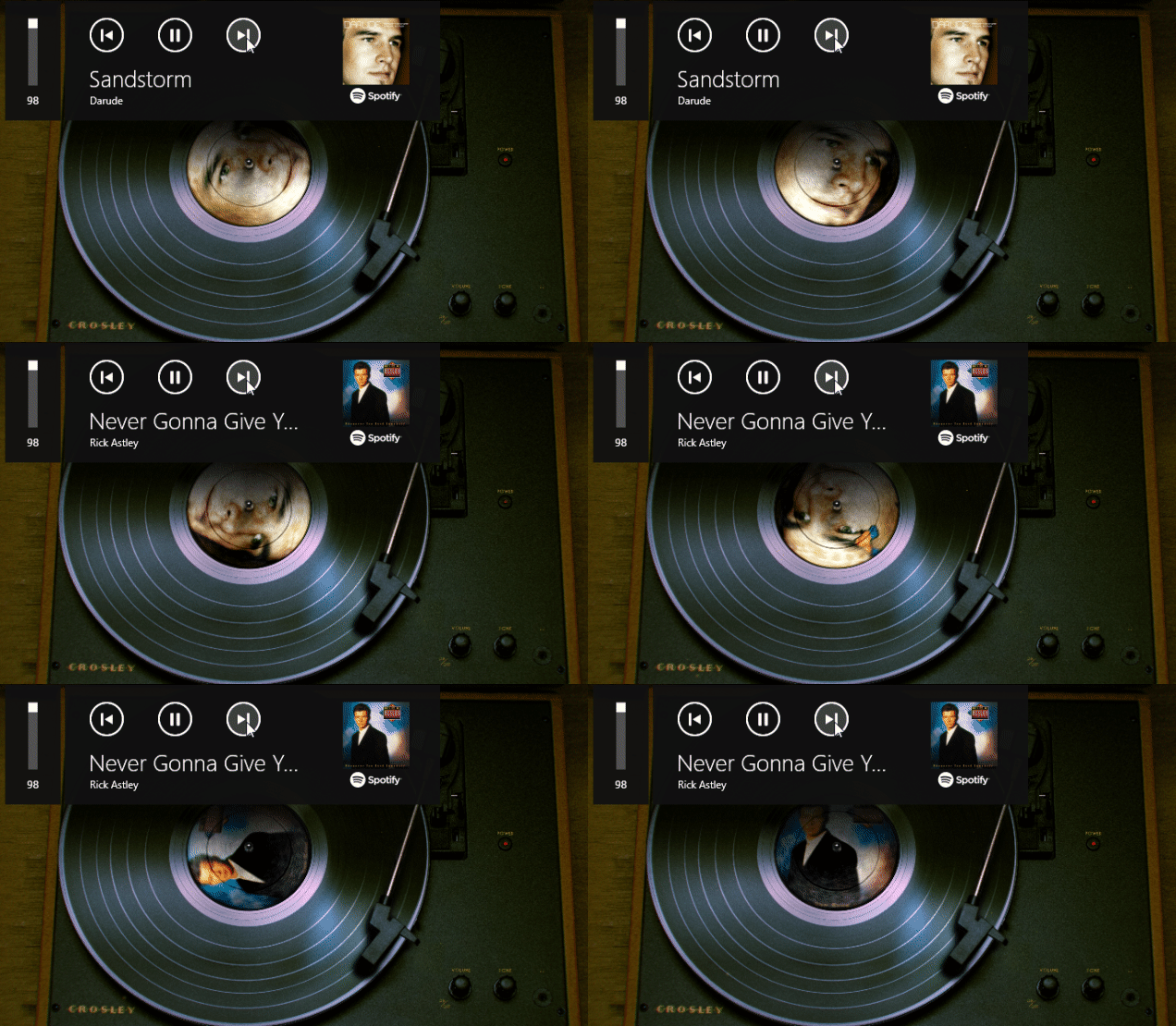
MAJORWallpaper Engine 2.2 - Album Cover Integration, Fluid Simulation & More
Hey everyone, today we are releasing Wallpaper Engine 2.2 which comes with new editor effects, support for dynamic album covers and song data in wallpapers and a large set of improvements throughout t
 MAJOR
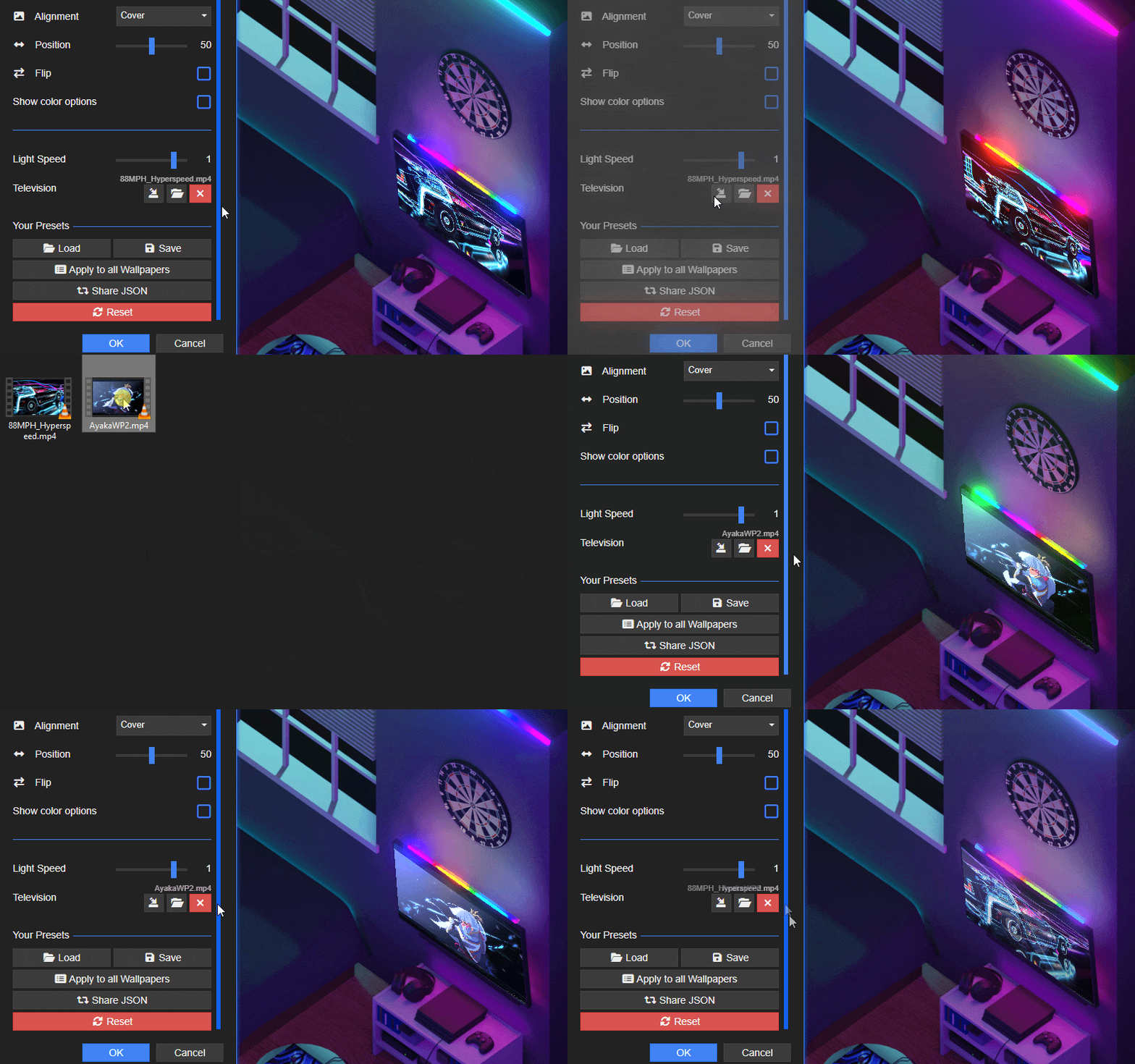
MAJORWallpaper Engine 2.1 - Inverse Kinematics Animations, User Texture Import & More
Hello everyone, today we're introducing Wallpaper Engine 2.1 for Windows and Android with a wide range of new features, overall improvements and bug fixes. We will walk you through some of the most im
 MAJOR
MAJORWallpaper Engine 2.0.97 - Android Improvements & Fixes, Display HDR Support
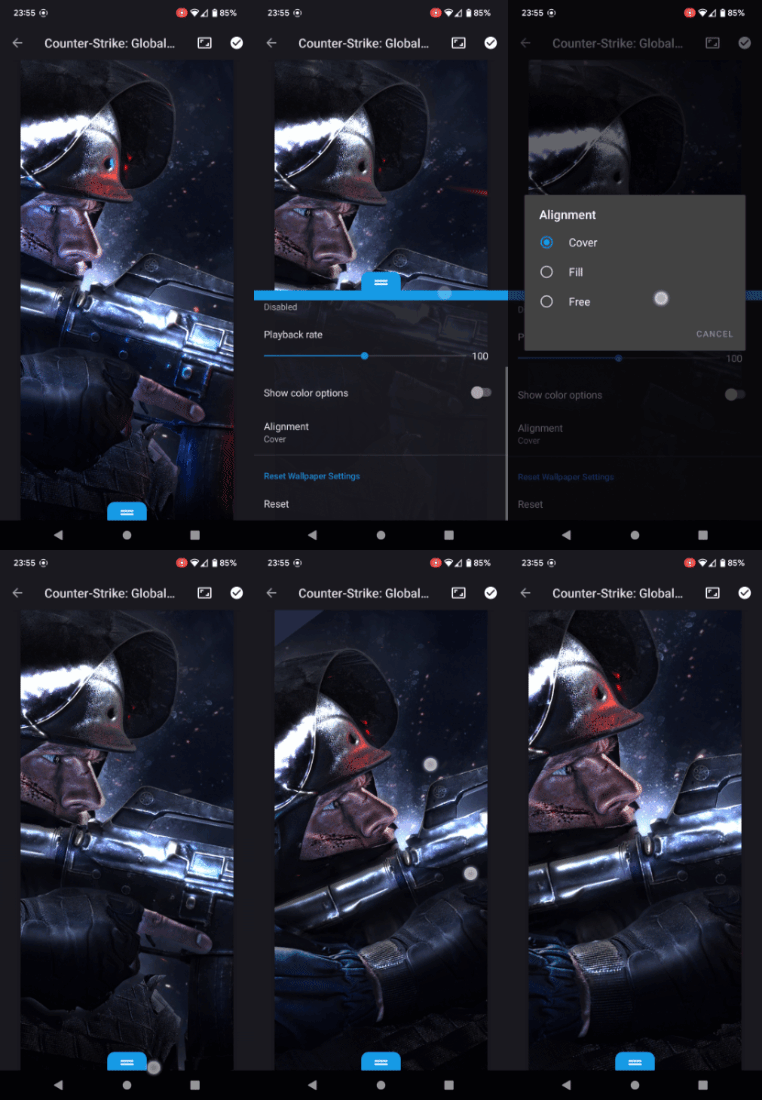
Hey everyone, today we are releasing a new update for the Windows & Android version of Wallpaper Engine. The updates mainly add some new features that we did not finish for the initial release of the
 MAJOR
MAJORWallpaper Engine 2.0.44 - Windows Firewall Detection and Android Fixes
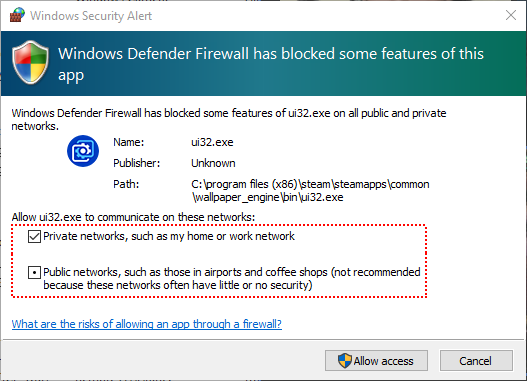
Today's update addresses the most common problems related to the Android release and we are updating both the Windows and the Android version of the app. Connecting the Android & Windows App The most
 MAJOR
MAJORWallpaper Engine 2.0 - Free Android App, New Logo, New Features and More!
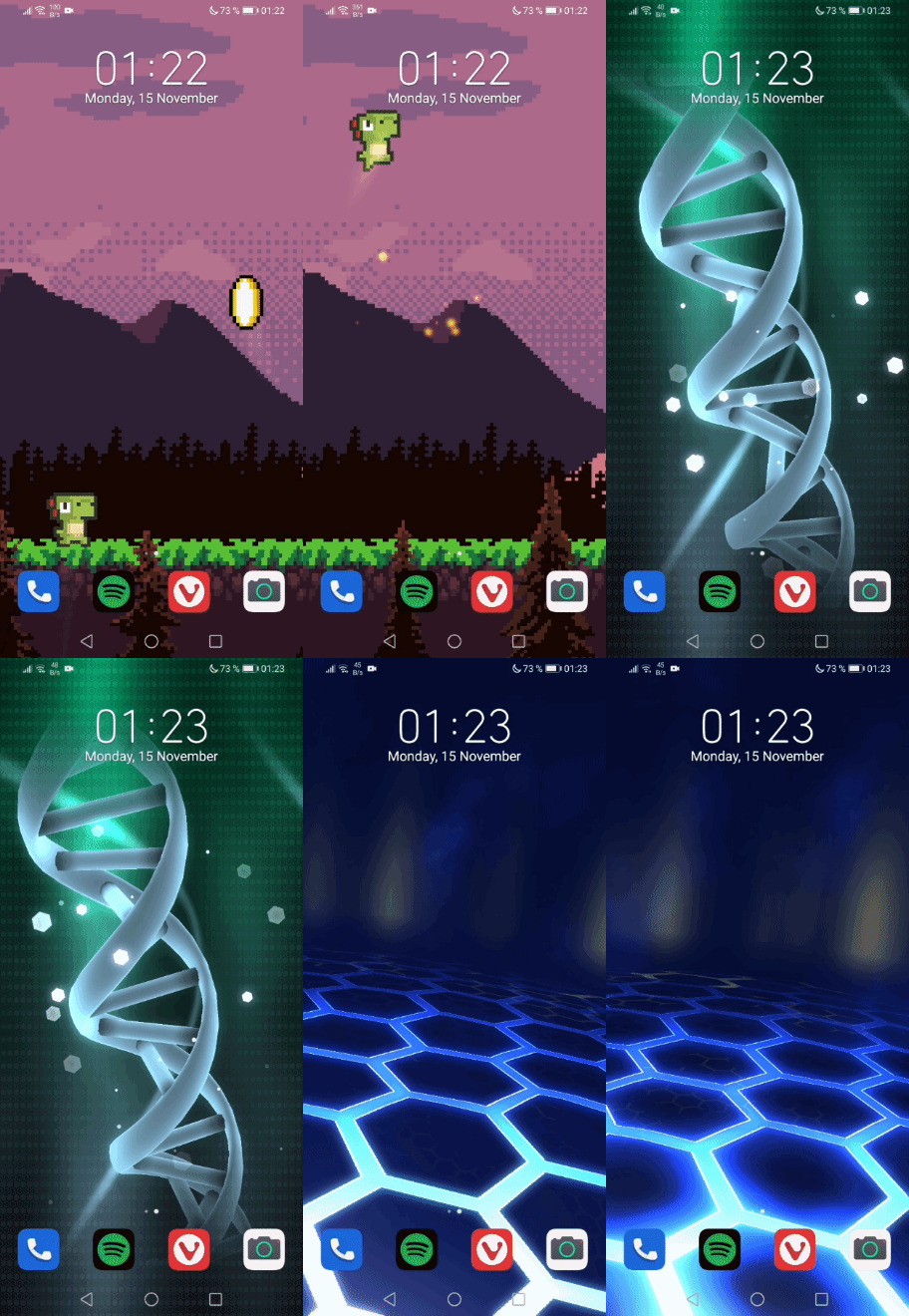
Hello everyone, today we are releasing Wallpaper Engine 2.0! The update brings support for Android, a new logo, a new 3D depth effect and a handful of other additions and improvements to Wallpaper Eng
You Might Also Like
Popular titles trending on Steam right now.