CasualIndieAnimation & ModelingDesign & Illustration
Wallpaper Engine
Dev · Wallpaper Engine TeamPub · Wallpaper Engine TeamReleased · Nov 16, 2018

Use stunning live wallpapers on your desktop. Animate your own images to create new wallpapers or import videos/websites and share them on the Steam Workshop!
Wallpaper Engine enables you to use live wallpapers on your Windows desktop. Various types of animated wallpapers are supported, including 3D and 2D animations, websites, videos and even certain applications. Choose an existing wallpaper or create your own and share it on the Steam Workshop! In addition to that, you can use the free Wallpaper Engine companion app for Android to transfer your favorite wallpapers to your Android mobile device and take your live wallpapers on the go.NEW: Use the free Android companion app to transfer your favorite wallpapers to your Android mobile device.Bring your desktop wallpapers alive with realtime graphics, videos, applications or websites.Use animated screensavers while you are away from your computer.Personalize animated wallpapers with your favorite colors.Use interactive wallpapers that can be controlled with your mouse.Many aspect ratios and native resolutions supported including 16:9, 21:9, 16:10, 4:3.Multi monitor environments are supported.Wallpapers will pause while playing games to save performance.Create your own animated wallpapers in the Wallpaper Engine Editor.Animate new live wallpapers from basic images or import HTML or video files for the wallpaper.Use the Steam Workshop to share and download wallpapers for free.Wallpaper Engine can be used at the same time as any other Steam game or application.Supported video formats: mp4, WebM, avi, m4v, mov, wmv (for local files, Workshop only allows mp4).Use the free Android companion app to take your favorite scene and video wallpapers on the go.Support for Razer Chroma and Corsair iCUE.Wallpaper Engine aims to deliver an entertaining experience while using as few system resources as possible. You can choose to automatically pause or completely stop the wallpaper while using another application or playing fullscreen (including borderless windowed mode) to not distract or hinder you while playing a game or working. Many options to tweak quality and performance allow you to make Wallpaper Engine fit your computer perfectly. As a general rule of thumb, 3D, 2D and video based wallpapers will perform best, while websites and applications will require more resources from your system. Having a dedicated GPU is highly recommended, but not required.Choose from over a million free wallpapers from the Steam Workshop with new wallpapers being uploaded every day! Can't find a wallpaper that fits your mood? Let your imagination go wild by using the Wallpaper Engine Editor to create your own animated wallpapers from images, videos, websites or applications. A large selection of presets and effects allow you to animate your own images and share them on the Steam Workshop or to just use them for yourself.
 MAJOR
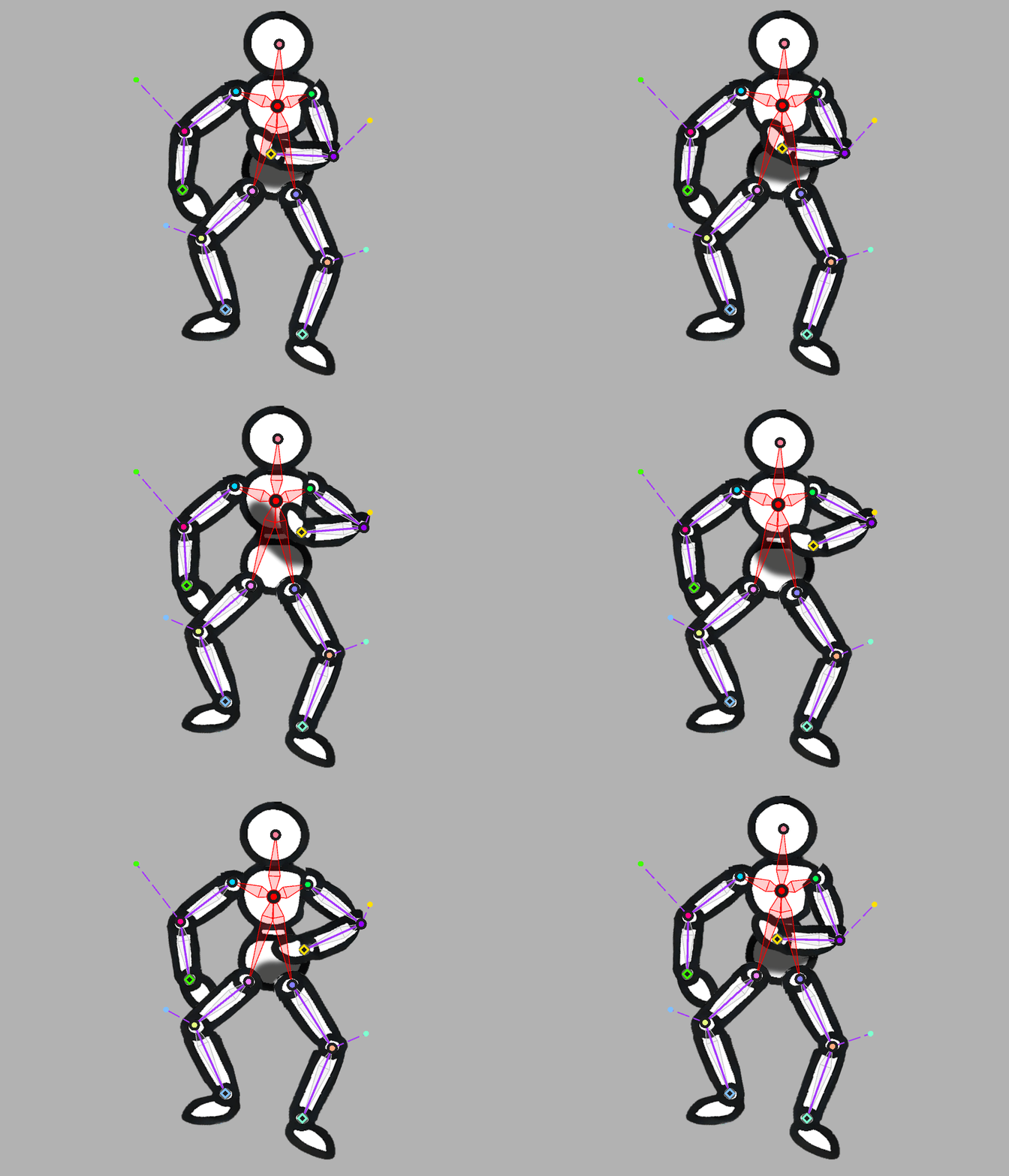
MAJORWith the release of Wallpaper Engine 2.7, we are introducing a large number of improvements and new features for particle systems and to the particle editor itself. Additionally, the update also intro
 MAJOR
MAJORHey everyone, Wallpaper Engine 2.6 comes with several new features for the wallpaper editor, the update also fixes some bugs and improves compatibility with Windows 11 24H2. Clipping Masks for Puppet
 MAJOR
MAJORWallpaper Engine 2.5 adds new features for end-users and content creators alike. The update also includes a lot of bug fixes and overall maintenance work. In anticipation of upcoming changes to the de
 MAJOR
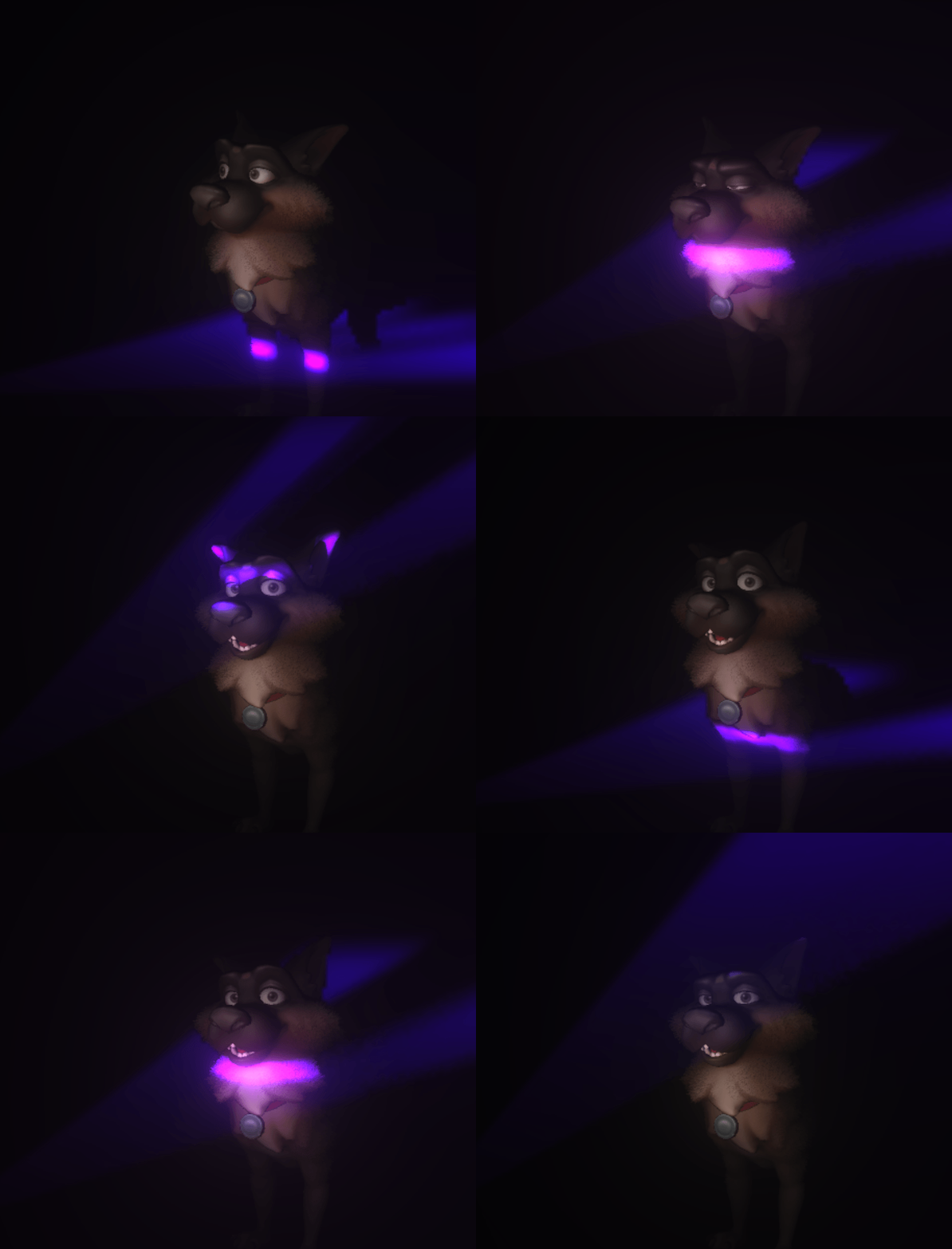
MAJORHey everyone, Wallpaper Engine 2.4 largely builds on top of the new 3D features we have added with the previous update but also improves on the existing 2D wallpaper feature set. New 3D FeaturesReal-t
 MAJOR
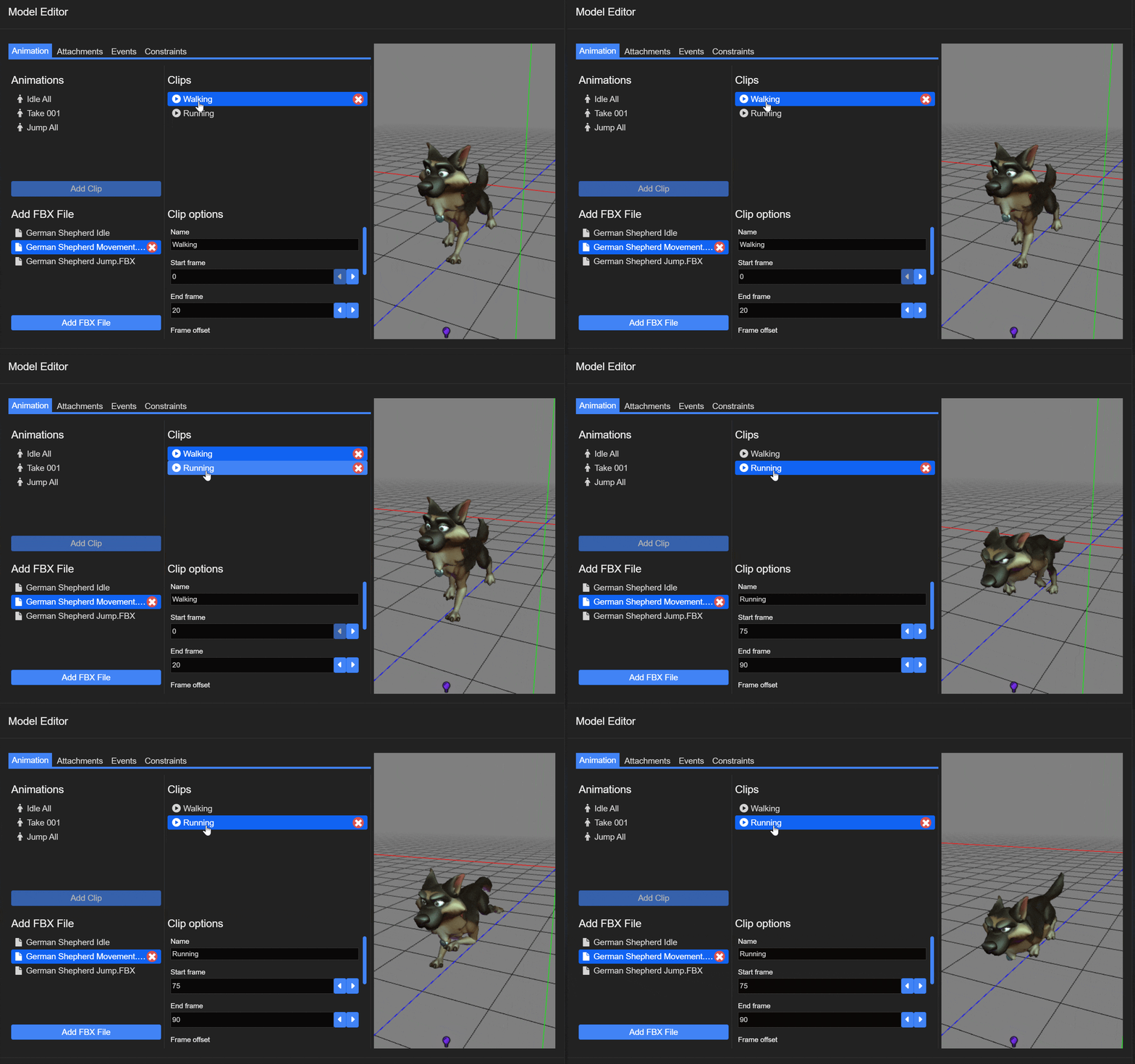
MAJORHey everyone, Wallpaper Engine 2.3 completely overhauls support for 3D wallpapers, improves real-time lighting with additional light types and adds a new hierarchy and attachment system. New 3D Model
 MAJOR
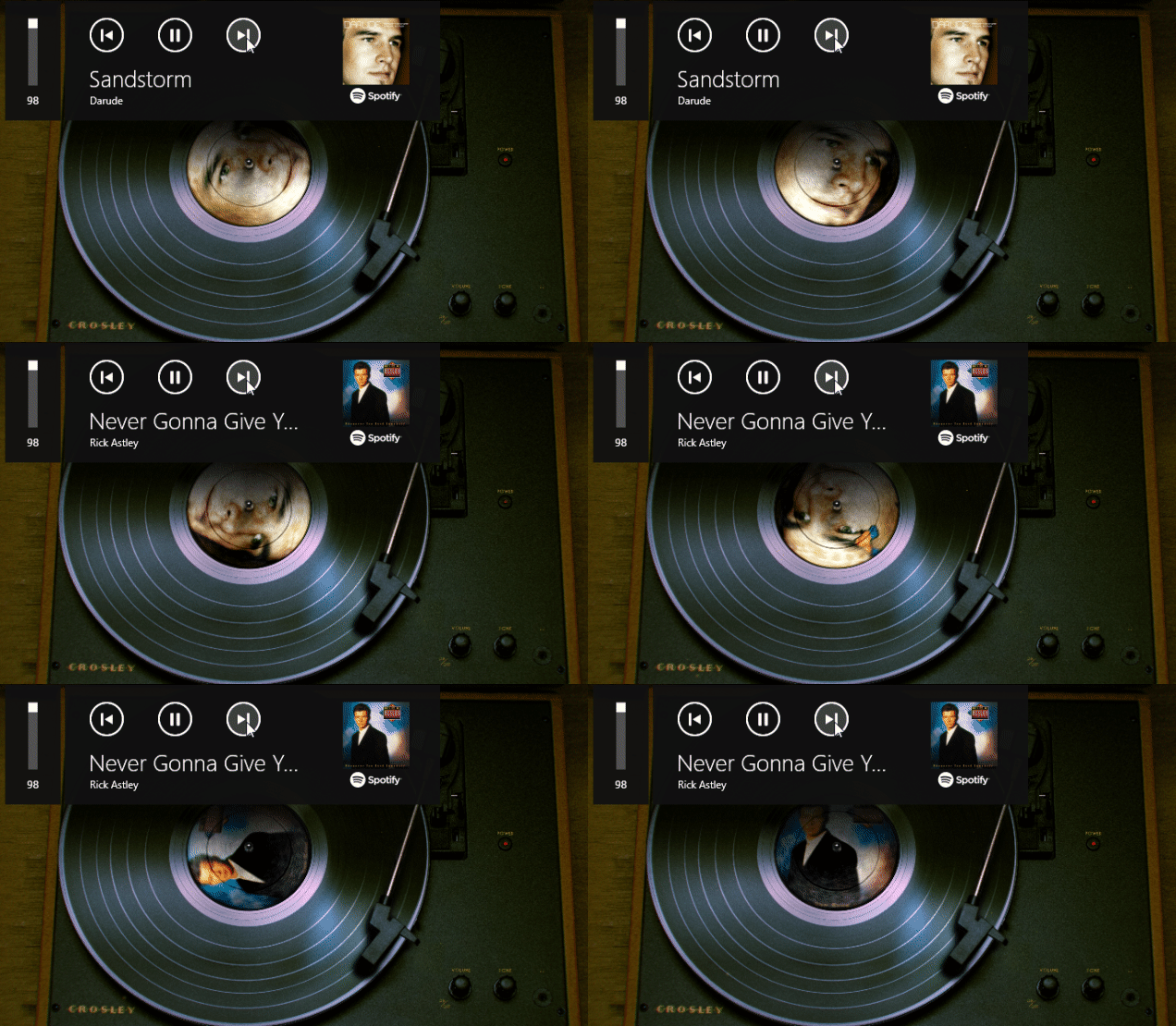
MAJORHey everyone, today we are releasing Wallpaper Engine 2.2 which comes with new editor effects, support for dynamic album covers and song data in wallpapers and a large set of improvements throughout t
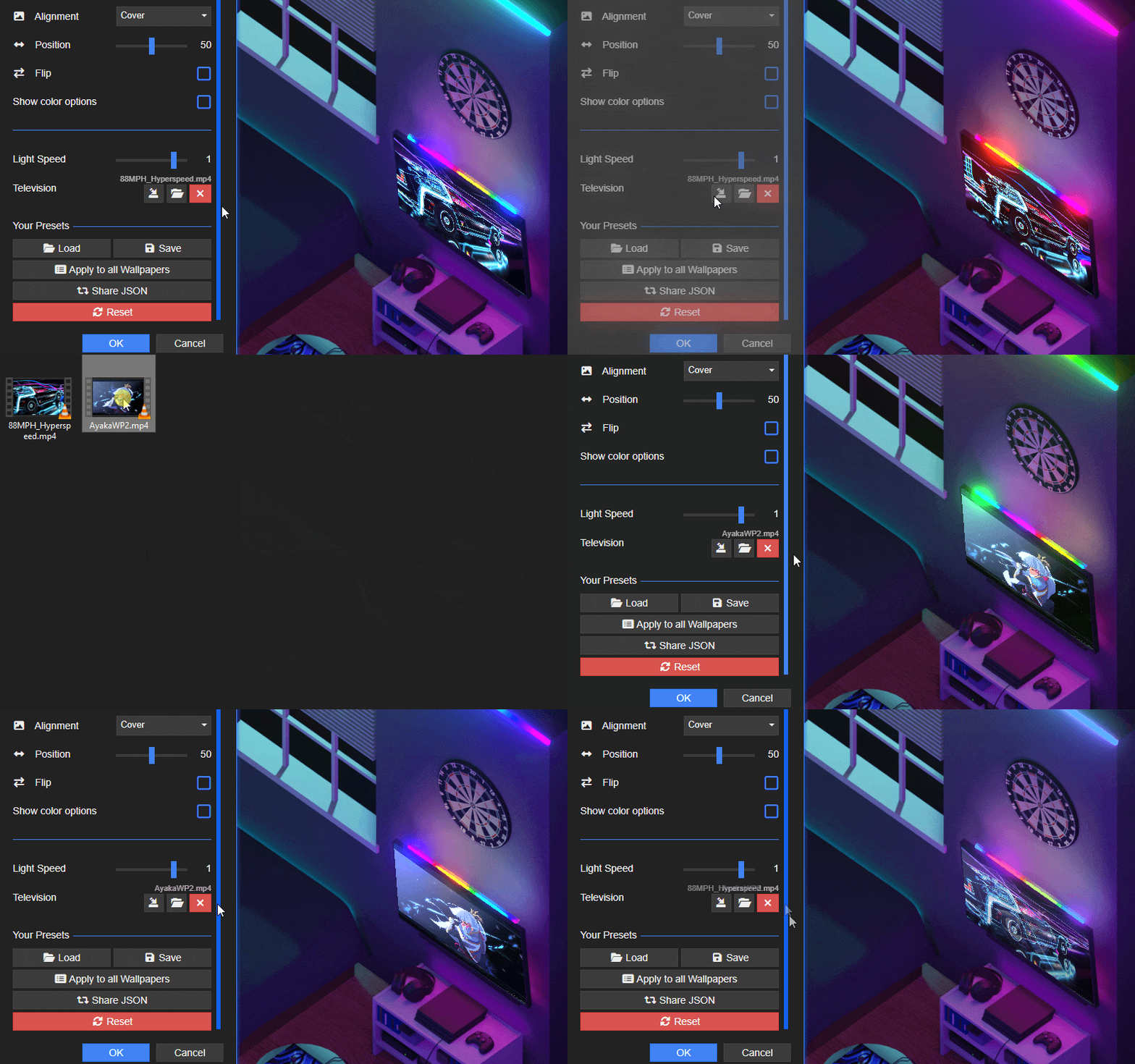 MAJOR
MAJORHello everyone, today we're introducing Wallpaper Engine 2.1 for Windows and Android with a wide range of new features, overall improvements and bug fixes. We will walk you through some of the most im
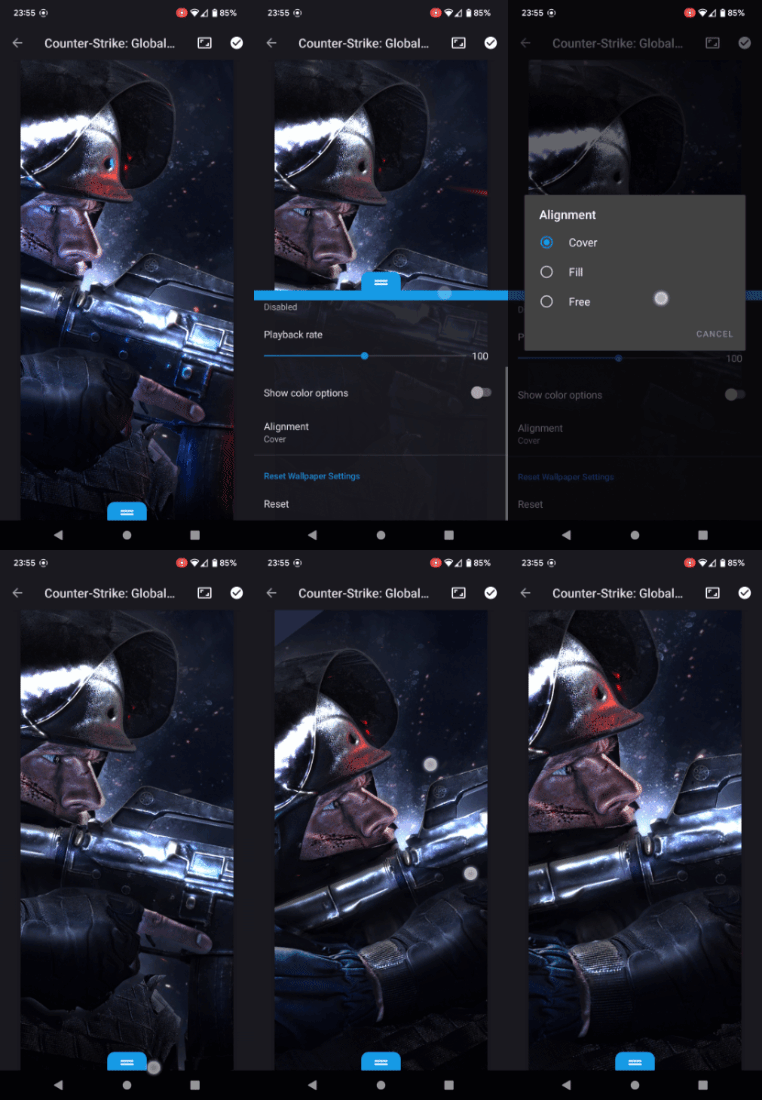 MAJOR
MAJORHey everyone, today we are releasing a new update for the Windows & Android version of Wallpaper Engine. The updates mainly add some new features that we did not finish for the initial release of the
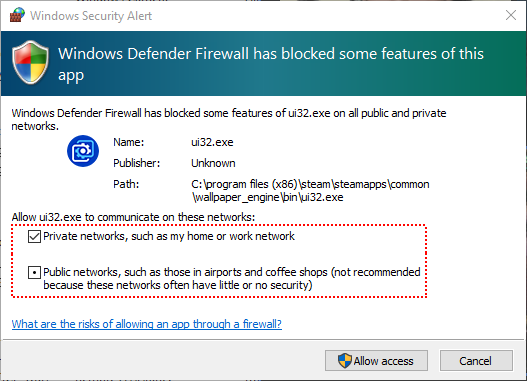 MAJOR
MAJORToday's update addresses the most common problems related to the Android release and we are updating both the Windows and the Android version of the app. Connecting the Android & Windows App The most
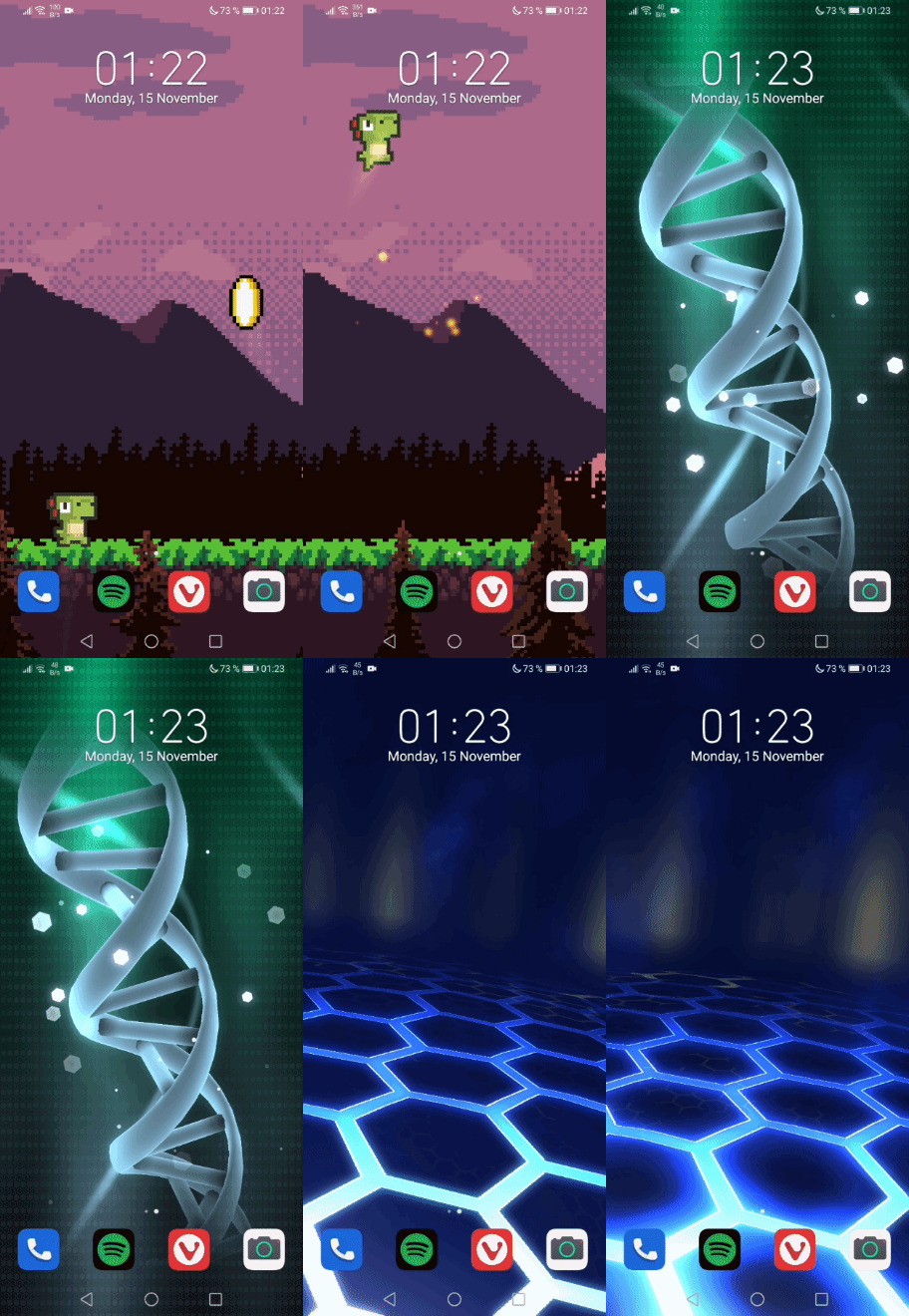 MAJOR
MAJORHello everyone, today we are releasing Wallpaper Engine 2.0! The update brings support for Android, a new logo, a new 3D depth effect and a handful of other additions and improvements to Wallpaper Eng

Back on March 30th, I wrote about the entirety of Shrek being available to download via Steam for Wallpaper Engine. It was removed within twelve hours and I feel no remorse. But while moderators can r
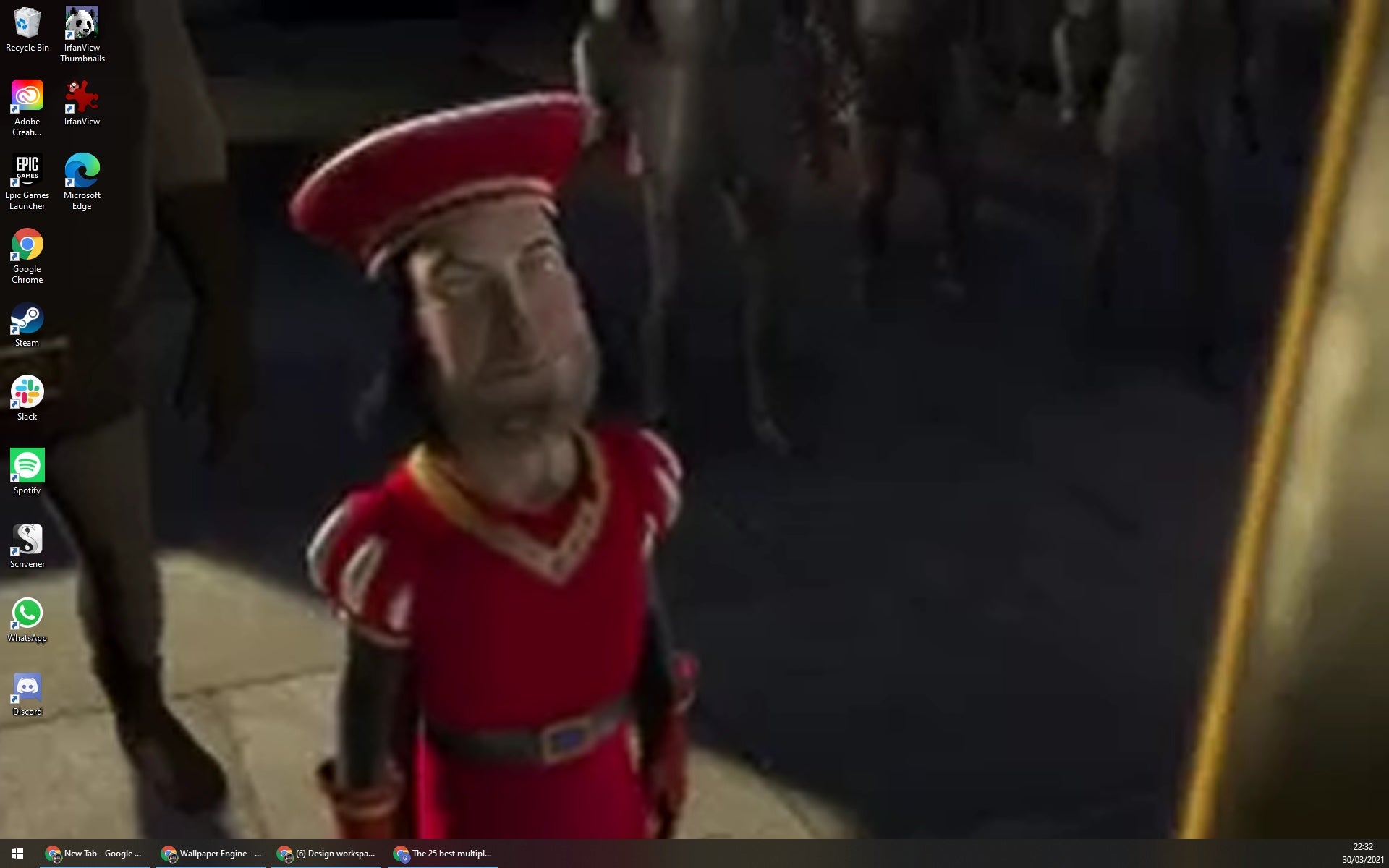
Wallpaper Engine is one of the most popular utilities available via Steam. It's a tool that lets you run animated or interactive desktop wallpapers, and download those made by the community from the S

Cyberpunk 2077Valve Index VR KitPhasmophobiaAmong UsFootball Manager 2021Sakuna: Of Rice and RuinDestiny 2: Beyond Light + SeasonHadesWallpaper Engine

Another year over, a new one just begun, which means, impossibly, even more games. But what about last year? Which were the games that most people were buying and, more importantly, playing? As is now

The Steam charts are reliably staid much of the time – ever-present Counter-Strikes and GTAs, whatever the multiplayer survival flavour of the month is, and a big new release if there was one. T
Popular titles trending on Steam right now.